We start with what your business needs now. You receive a clear proposal explaining what is included and the ongoing management costs.
QR menu
from 99 EUR
Project / setup · one-time payment
A distinctive menu designed around your venue's personality. Categories, dishes, descriptions and prices, easy to browse on a phone.
Management · from 49 RON/month
Hosting, operation and routine content updates.
The starting offer is for menu presentation. Table ordering and payments are additional features. Within a table-ordering system, each guest's own basket and order are standard functionality.
Management for systems with ordering, payments, bookings or integrations starts from 99 RON/month and is scoped to the project.
Menus and ordering for your venue.
Choose what is useful for your venue. Display menus and QR menus can work separately; table ordering and connections to other systems are extensions scoped for the project.
LayerWhat you receiveWhat we prepare
Display menu
Design for the viewing distance, readable prices and promotions, a configured player and agreed updates.
We check the display, connections, power, internet and installation location before choosing equipment.
QR menu
A phone-accessible address, QR code, categories, search and dish details.
We establish content, languages, photos and who requests or makes updates.
Optional: orders and service
Individual orders linked to a table, a staff view, acknowledgement, calling a waiter and requesting the bill.
We define table identification, availability, order amendments and any POS or payment integrations.
Menu display
Products, prices and promotions in a layout designed to be read on screen. A discreet small computer runs the menu, and I handle the setup and updates agreed for the project.
GreenBISTROExample menu
From the plant-based kitchen
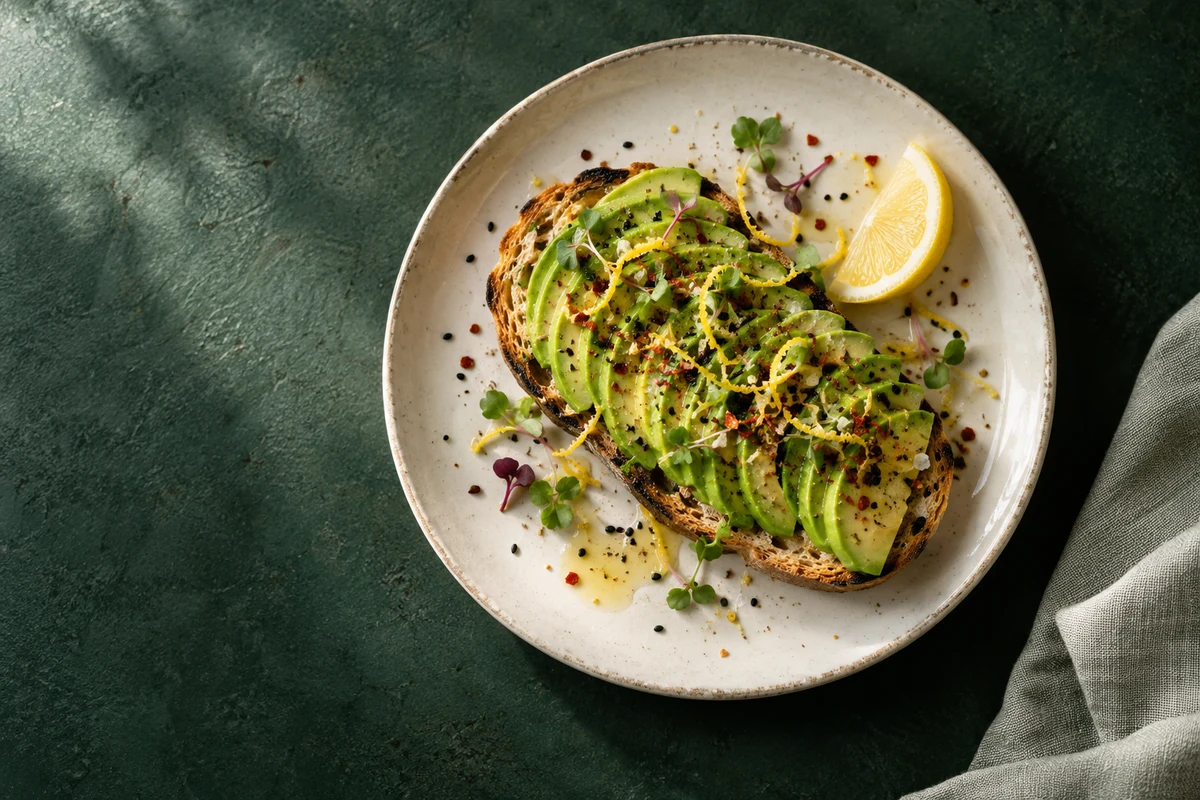
Avocado Toast
130 g
RON 23
Find your flavour.
Page 1/1 · 4/12 dishes
Try updating an example menu.
4/12 dishes · 4 per page
130 g · Example price: RON 23
Select Soup of the Day for the RON22 offer. The regular price must be higher.
Select a dish on the display or add one from the menu.
Changes apply only to this example menu. Editing access and ongoing updates are agreed for each project.
Order at the table, from your own phone.
Each guest orders on their own phone. Staff see the orders for their table.
Table ordering is an optional addition to the QR menu.
Guests open the menu in their browser and explore the dishes, descriptions and prices.
Interactive example — no orders are sent to a real restaurant.
Demonstration concept
What looks good today?
Plant-based flavours, thoughtfully chosen.
Breakfast
09:00–13:00
Bites
From 09:00
Plates
From 13:00
Dessert
* Contains allergens. ** Contains frozen ingredients. An absent marker does not mean allergen-free. Prices and portions belong to the demonstration catalog.
We define the scope before implementation: what the project should do, who uses it and what a correct result looks like.
Discovery and structure
We review the current process, materials and constraints. We choose the necessary features and separate options that can follow later.
Design and review
I prepare the structure and examples with relevant content. You review the information, rules and direction before completion.
Implementation and testing
I build the agreed features and test primary journeys, errors and relevant screen sizes. I also check data exchange between applications in the available test environments.
Setup, launch and support
We prepare the required domain, hosting or equipment. Launch follows approval; maintenance, updates and support are agreed for the project.
What I need from you
Your current menu, prices, serving sizes, allergen markers, available photos and details about displays and table service. You check and approve public information.
What the proposal defines
Deliverables, responsibilities, required materials, acceptance criteria and support. Accounts, licences, hosting, equipment and third-party fees are clarified before choosing the solution.
Budget and schedule depend on that scope and the available information. You do not need a technical specification for the first conversation.
Before we begin.
Can each guest order from their own phone?
Yes. With table ordering enabled, each guest can have their own basket and order. Staff see the orders associated with the relevant table; guests do not have to share a phone.
Does placing an order or requesting the bill make a payment?
No. Ordering and requesting the bill are separate from payment. Online payment and POS integration are scoped separately.
Who changes the menu and availability?
We agree whether I manage changes or whether an editing interface is included. Rules for unavailable products, service hours and order amendments are defined with the venue.
Can I use the display I already have?
We check its connections, resolution, position and the conditions in the venue. Compatibility cannot be assumed for every screen.
Does the QR code include orders or payments?
Not automatically. It opens the menu. Ordering, payment and other interactions are defined separately.
Does the code change when I update a price?
No, provided the menu keeps the same address. We update the content at that address, and the code can stay on the table.
Tell me what you would like to improve. You do not need a technical specification: briefly describe your business and the tools you use, and I will help clarify the solution.